Troubleshooting
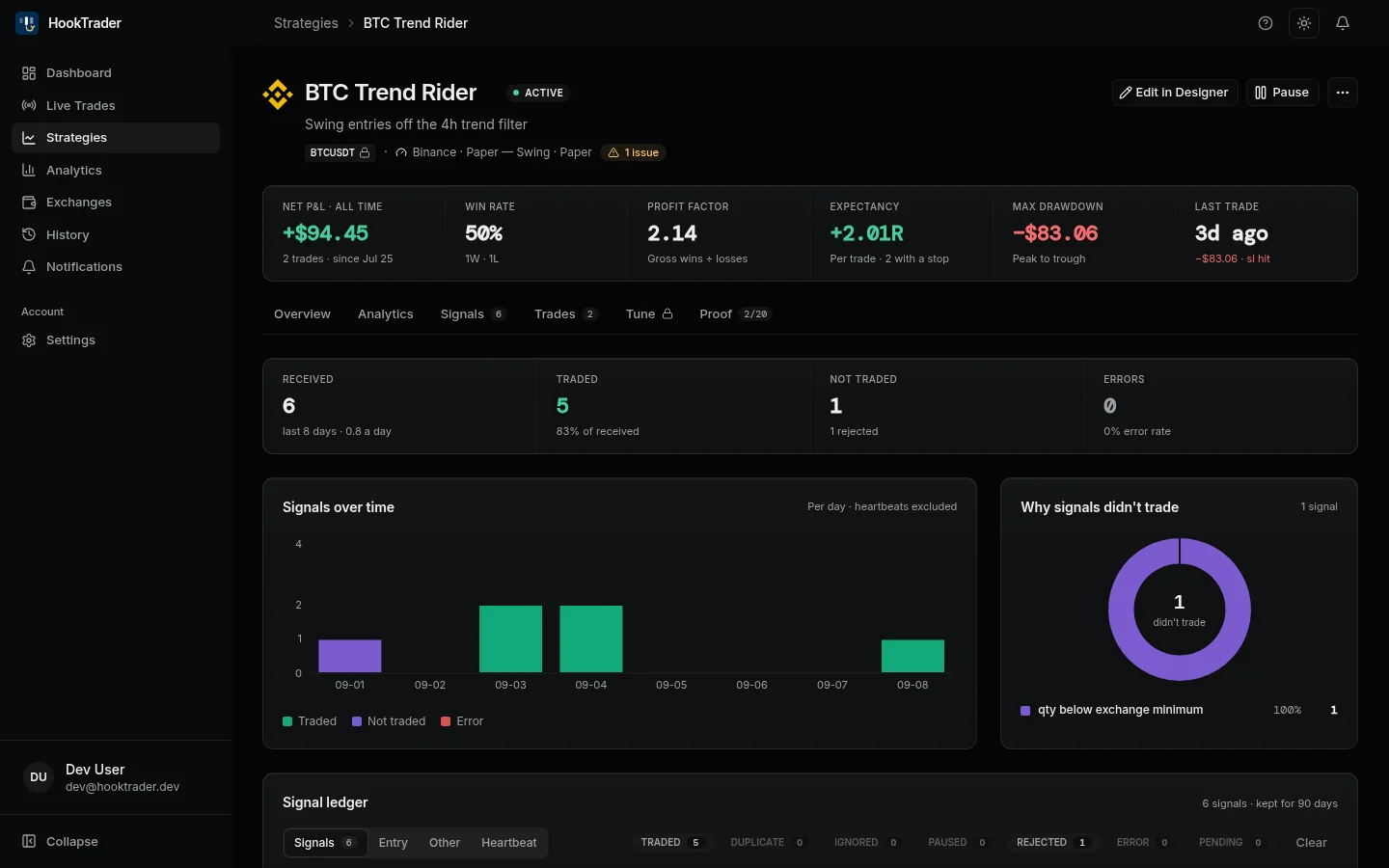
Start with the strategy's Signals tab. It lists every alert, its outcome and, when it did not trade, why.
Find your symptom#
- An alert fired but the strategy shows nothing. Compare the alert's webhook URL with the strategy's Connection panel, character by character.
- Alerts arrive but nothing trades. Switch the strategy on. A paused or unfinished strategy records alerts without trading.
- REJECTED. See Why an alert did not trade.
- IGNORED or DUPLICATE. Usually expected: an exit with no open trade, or the same alert twice.
- Alert too old (stale). TradingView delivered it late. By default the strategy ignores alerts older than 30 seconds.
- Symbol already trading. Another of your strategies holds this symbol on the same account.
- Qty below exchange minimum. Your risk or stop distance sizes the trade below Binance's minimum.
- API key rejected. Check the key's permissions and IP allowlist on Binance. See Connect a Binance account.
- A Binance error in Notifications. See Binance errors.
- A position HookTrader does not show. It was opened by hand or by another bot. HookTrader tracks only what it opened.
- The chart's stop differs slightly. Expected. HookTrader sets levels from its real fill.
- Live Trades shows Stale or Reconnecting. Your browser lost its live feed, and open trades are unaffected. Reload if it lasts over a minute.
Still stuck#
Read the FAQ, then email support@hooktrader.app with the strategy, symbol and alert time.