Read your trade history
Export on History downloads the filtered list as a CSV file.
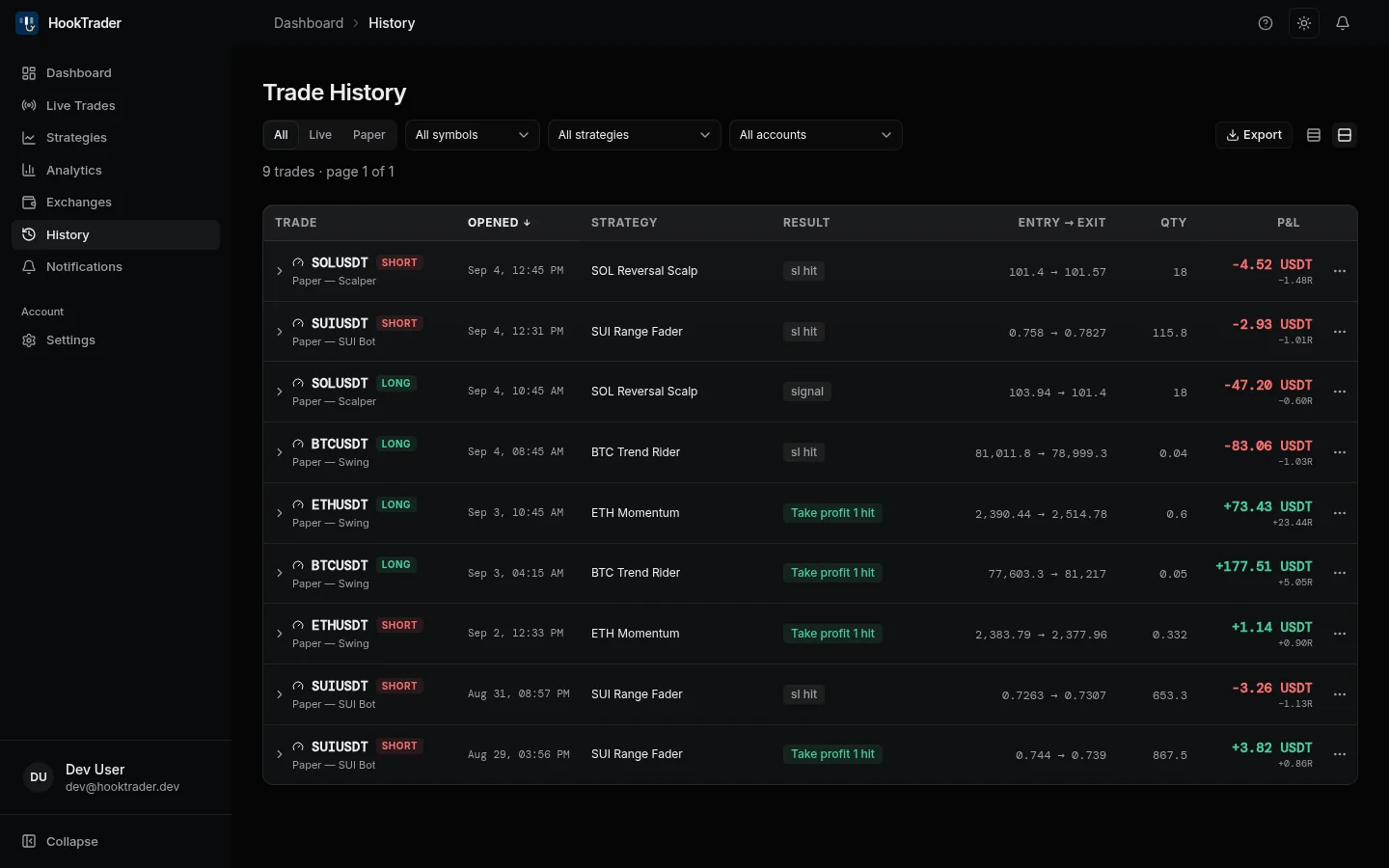
A result starting Entry cancelled means the entry filled but broke one of your strategy's rules. HookTrader closed it at once.
Read one trade#
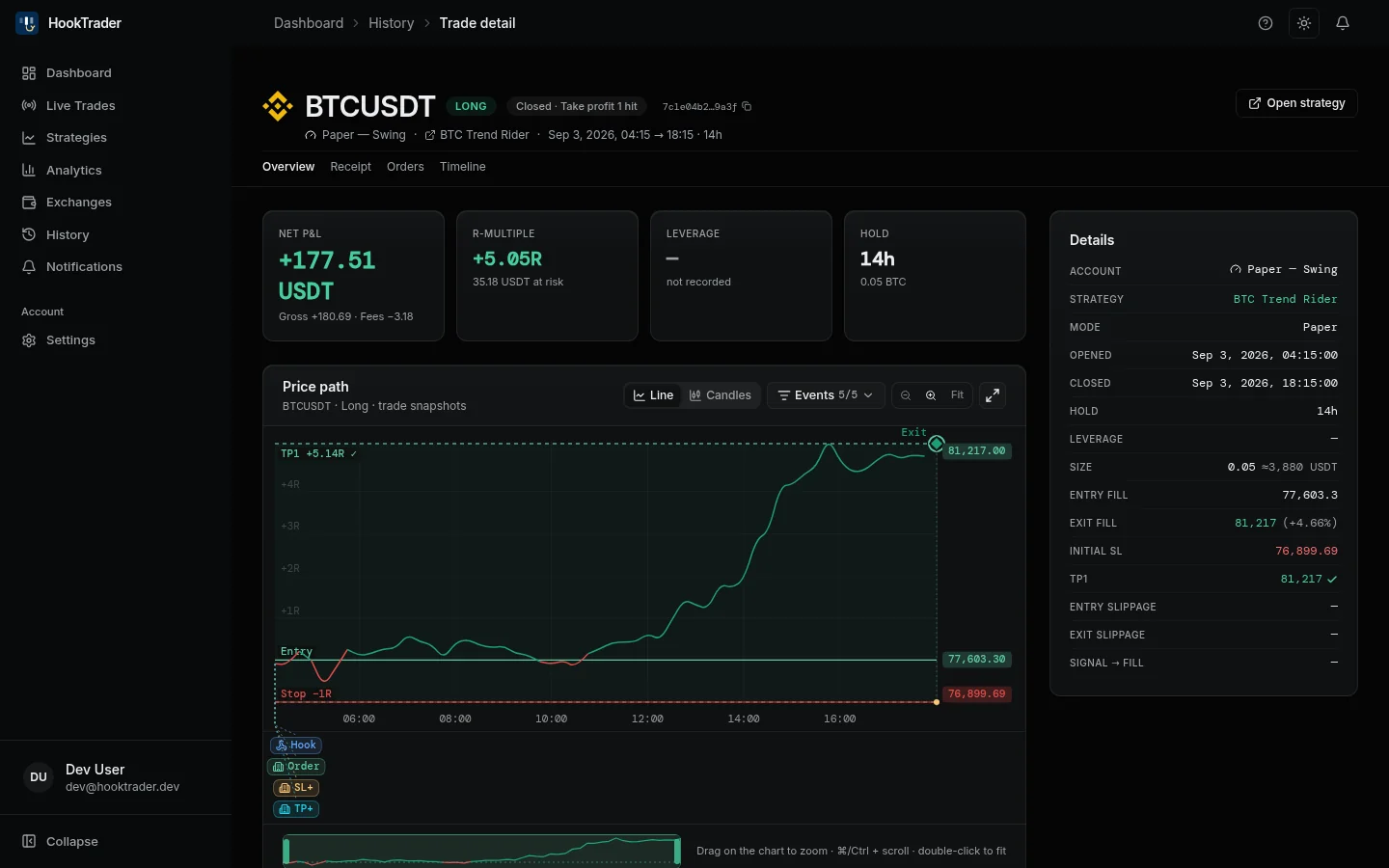
- Receipt: what happened, in order.
- Orders: every fill, with its price, realised P&L and fee.
- Timeline: every step HookTrader took.
The Details panel shows the slippage against the alert's price.
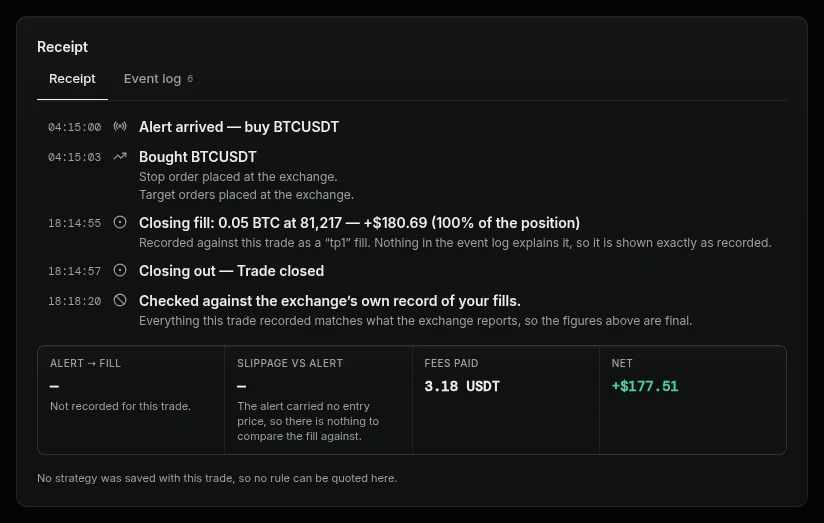
A receipt quotes the strategy rules saved when the trade ran. Editing the strategy later does not change it.
How P&L is counted#
- Gross P&L is the realised P&L on every closing fill, as Binance reports it.
- Fees are every fee the trade paid, entry and adds included.
- Net P&L is gross minus fees.
- R is net P&L divided by the risk at the first stop. A trade opened without a stop has no R.
A trade that paid fees in two assets, such as USDT and BNB, has no single net figure. History shows mixed, and the receipt lists each fee asset and the gross. This usually means your BNB ran out mid-trade and Binance stopped the BNB discount. Keep enough BNB, or switch the discount off.
Funding payments are not part of a trade's P&L.
Clear history#
Trades clear only in bulk:
- Settings → Danger zone → Clear all trade history, for every strategy.
- More actions → Reset trade history on a strategy's page.
- Reset trade history on a live account's page.
Open trades and your Binance balance are never affected.