Backtest a plan
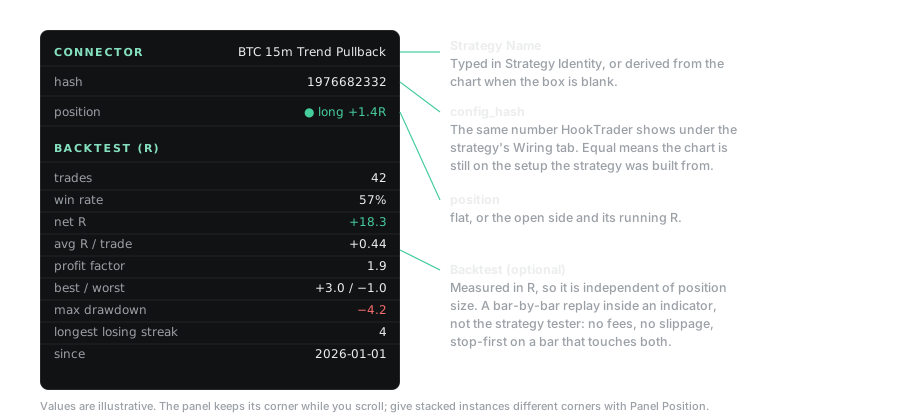
The Backtest group replays the trades the connector would have signalled over the chart's loaded history. It sends no alerts, so you can check a plan before you connect one.
Run it#
Turn on Enable Backtest Stats and set Backtest Start. A trade open across the start is skipped. For each target, set an action and its Size %:
- Reduce % takes Size % off.
- Add % adds Size % of the first position and averages the entry.
- Close closes what is left.
- None records the hit and does nothing.
Read it#
Every row is in R, so position size does not matter. Profit factor is gross R won over gross R lost. Max drawdown is the deepest fall of the running net R.
Scaling out caps a trade's best result below its top target: half off at 1R and the rest at 3R is 2R. Break-even lifts the worst result above −1R.
In Indicator Exit mode only the exit plot closes the trade. Keep every target on Reduce below 100%, Add or None. The chart warns if a target is set to Close.
Limits#
- A bar has no order inside it. When one bar touches the stop and a target, the backtest counts the stop.
- No fees, slippage or funding. Live results are lower by those amounts.
- Loaded history only. On low timeframes, TradingView may load only a few days.
- Repainting indicators repaint the backtest.
- Past results do not predict future ones. Nothing here is financial advice.